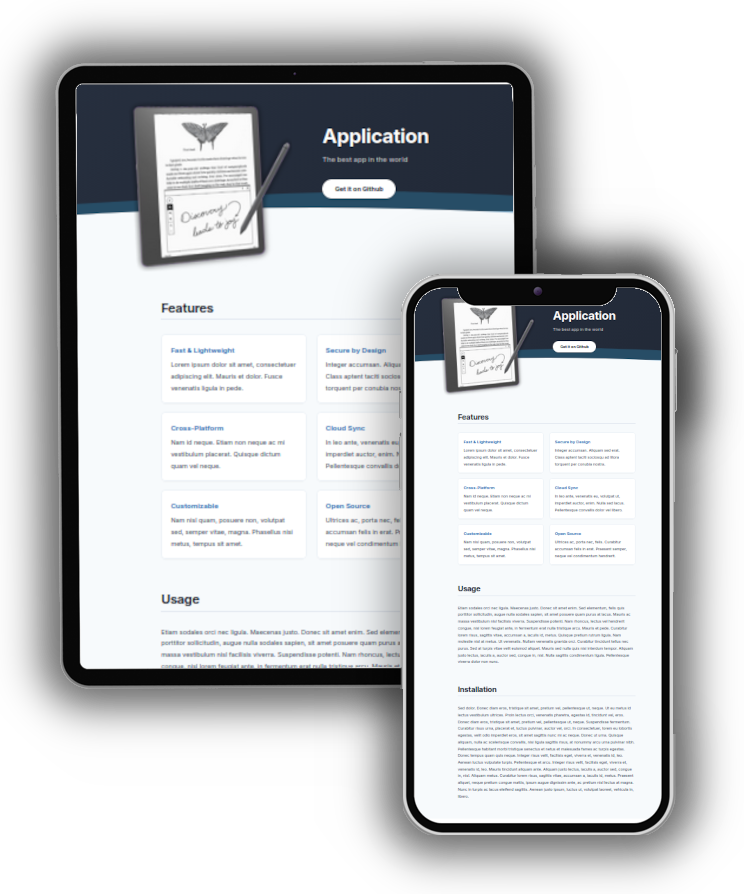
Features
- Fast & Lightweight: No fancy stuff, only the essential to get the work done.
- Simple to adapt: Edit the config file, add the description in the
index.mdand a screenshot. That’s all! - Elegant and minimal: Give your project the landing page it deserves!
- Open Source: Can simply be adapted to your specific needs.
Usage
On GitHub Pages
Create a repository or a website folder in your project.
Add a _config.yml file with the following content:
title: "Complete each line"
subtitle: "with the relevant content"
description: "..."
header_image: "assets/images/screenshot.png"
download_url: "https://github.com/username/project"
download_text: "Get it on GitHub"
footer_text: "© 2026 Your Name"
markdown: kramdown
plugins:
  - jekyll-remote-theme
remote_theme: kbarni/applicate
Now all you need to add is an image presenting the project and an index.md file with the project description.
On your server
Clone the repository, edit the _config.yml file and the index.md; add your header image in assets/images and build the site using jekyll build.
Changelog
Version 1: February 2026
- First release